


Modules
All QMSpot modules at a glance
Nine modules, one system: inspecting, measuring, responding and documenting work hand in hand in QMSpot. Here you can see what each module does and how the modules work together.
- ISO/IEC 27001 certified
- EU hosting, GDPR compliant
- App for iOS and Android
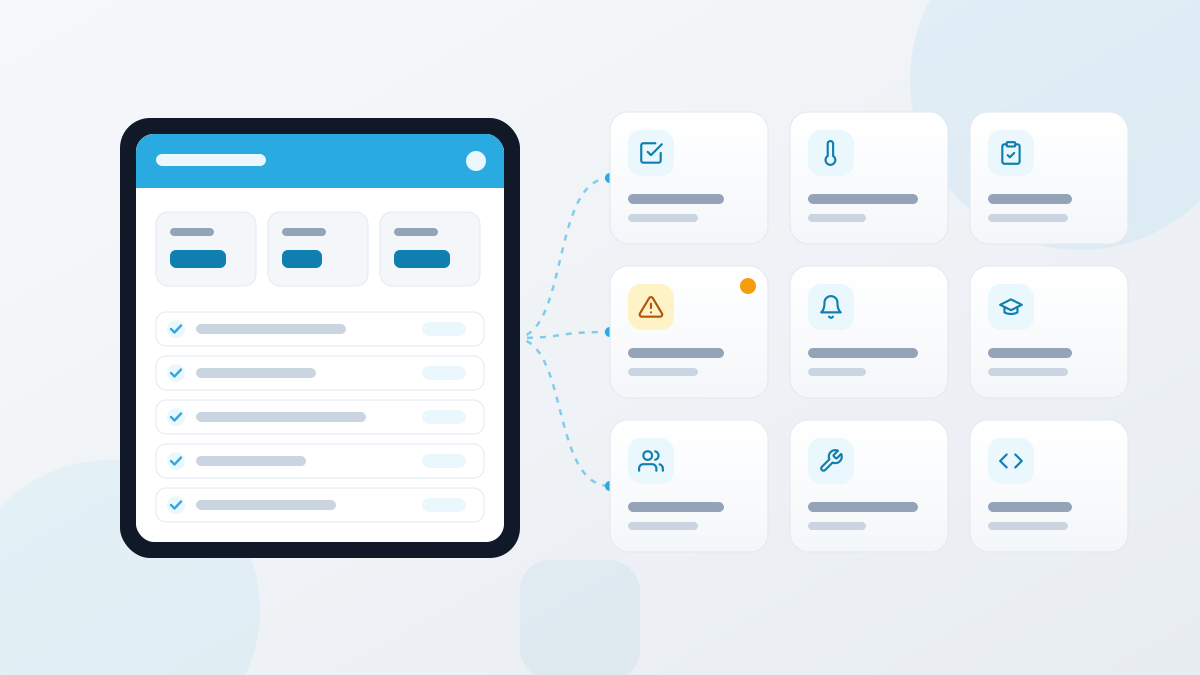



















What the modules do
Each module solves one clear task in daily operations. Together they form your digital quality management.
Inspect and measure every day
Checklists and inspection plans
You define what is checked, who checks it and how often – per site or for all of them. Every completed check is instant proof.
CCP markingLimit valuesReports as PDF and ExcelLearn more →Sensor-based temperature monitoring
Measuring points record temperature and humidity at your chosen interval and alert you as soon as a limit is breached – at night, too.
Measuring intervalsTolerance rangesAlerts on limitsLearn more →Audit management
You audit area by area using fixed templates and approve the result. Every change automatically creates a new version.
Audit templatesWeighted scoringVersioningLearn more →Respond and document
Defect management
You record defects with photo, location and priority and assign an action with a deadline. If nothing happens, QMSpot escalates automatically.
Photo and priorityEscalation levelsStatus trackingLearn more →Product recalls
The recall appears as a pop-up for every affected employee and blocks further work after a short time until every site has confirmed it.
Pop-up and system lockQuantity and signatureCSV exportLearn more →Training and instructions
You schedule sessions with trainer and location, provide online training and see each participant's training status as a percentage.
Online trainingAutomatic certificatesRefresher remindersLearn more →The foundation
Sites, users and permissions
Sites, users, groups and roles determine who gets which task and who sees which document. Set it up properly once and everything else follows.
Roles and permissionsDocumentsQR codesLearn more →Device management
Every device has its master data, maintenance plan and history – including malfunctions and what they cost.
Maintenance intervalsMalfunctionsReports as PDF and ExcelLearn more →Interfaces and API
QMSpot exchanges data with your existing systems: sensor data in, reports out, recurring processes automated.
Token authenticationJSONEndpointsLearn more →How the modules work together
The real advantage lies in the interplay. An everyday example:
Inspect
A checklist shows a deviation, or a sensor reports an exceeded limit.
Respond
This becomes a defect with an action, a person responsible and a deadline. If it stays open, it escalates.
Document
Inspection, action and completion are fully documented and available as a report at any time.
Improve
Reports show where problems keep recurring, for example a device with frequent malfunctions or missing training.
Which modules fit your business?
Every industry has its own focus. The industry pages show how QMSpot is used there.
Frequently asked questions
How do the modules connect?
All modules use the same sites, users and roles from the administration module. That is why a deviation in a checklist becomes a defect right away, and training records are automatically assigned to the right employee.
Does QMSpot work on a smartphone?
Yes. With the QMSpot app for iOS and Android you handle inspections, defects and recalls directly on site.
Can I connect QMSpot to existing systems?
Yes, via the API with token authentication and JSON. Endpoints are available for checklists, sensors and device management, among others.
Where is my data stored?
QMSpot is hosted in the EU, operates in compliance with the GDPR and is certified to ISO/IEC 27001.
Which modules do you really need?
In a short demo we show you the modules using examples from your business. Then you decide at your own pace.